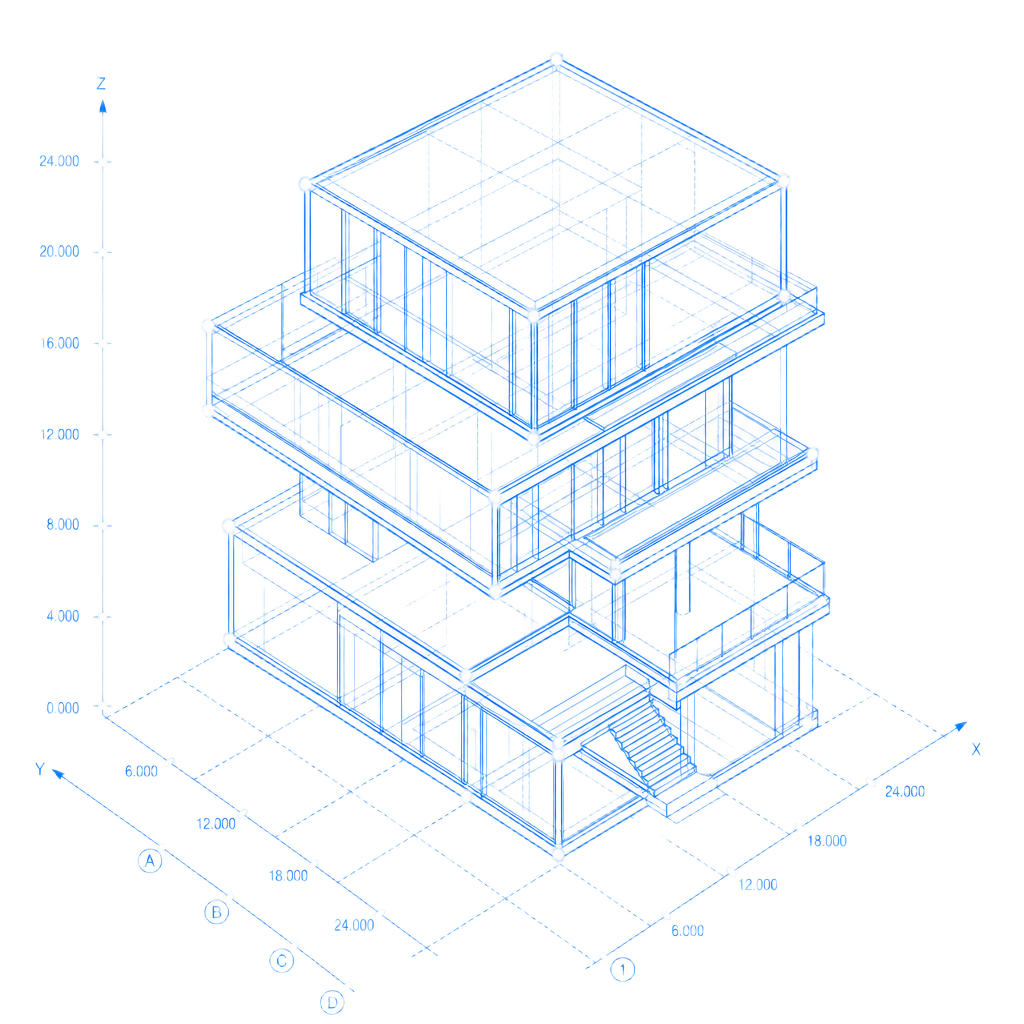
Construction Intelligence.
Your Personal AI Assistant.
Upload plans, specs, addenda, quotes, notes, and photos. Plan Clarity AI helps organize your projects, draft your reports, track critical dates, and answer questions about the work — in one workspace.
Paid plans only · Access continues through your billing period
A workspace built around how you actually work
Six tools that stay out of your way until you need them, and pull their weight when you do.
My Assistant
Ask questions about your projects. Attach documents and get grounded answers back.
Phone Assistant
Dictate notes, communications, and site updates. Your assistant cleans them up.
Reports
Daily priorities, RFIs, scope reviews, open items — drafted in seconds, ready to export.
Calendar
Upload a schedule and critical dates auto-populate. Add your own events with a click.
Project Documents
Plans, specs, addenda, quotes, and photos — stored per project and searchable.
Library
Reusable prompts and your own uploaded templates, ready to hand to the AI.
Each module, in detail
Six tools built for how construction work actually moves — from the field, to the office, to the client.
A chat-native workspace that knows your projects
Ask questions about your jobs and attach documents for grounded answers. Scope to a single project or ask across the work you've uploaded.
- Chat-style workspace with saved response history
- Attach PDFs, Word docs, images, and specs for context
- Scope to All Projects or a specific job in one click
- Export an Assistant Response to a clean PDF
- Detects calendar intent and drops events into your calendar
- Works the same on desktop and phone
Turn raw field notes into clean, sendable communication
Dictate what happened on site — a call, a text, a meeting — and your assistant rewrites it into something you can send. No half-baked logs.
- Required-fields form keeps entries complete
- One-tap Clean Communication rewrite
- Optional photo attachment for site context
- History with per-entry delete
- PDF export of a cleaned communication
- Built for thumb-typing in a truck
Draft the reports you run each week
Daily priorities, open-items checks, RFIs, and scope reviews — generated in seconds from templates you can trust. Exports are designed to be clean and professional.
- Daily priority review in one tap
- Open items check across a project
- RFI drafts and scope reviews
- Generate from the built-in prompt library
- Clean PDF export — designed to strip prompts and system verbiage
- Reports saved back to the project for later
Critical dates land on your calendar automatically
Upload a schedule and the assistant extracts critical dates for you. Add your own events with a click — no typing timestamps.
- Upload a schedule, AI auto-populates critical dates
- Click a day to add an event — no typing times
- Click-to-pick time with AM/PM inline
- Critical (red) vs My Event (violet) toggle
- Per-file delete for uploaded schedules
- Add events by voice from anywhere in the app
Your plans, specs, and photos — organized by project
Store plans, specs, addenda, quotes, and site photos per project. Realistic file icons so you can tell what you're looking at.
- Per-project storage — no mixing jobs
- Real file-type icons for PDF, Word, Excel, images
- NDA / sensitive-material acknowledgment on upload
- Click a saved item to view in-app
- Download a document as a clean PDF
- Feed documents to the assistant as context
Your prompts and your templates, ready when you are
Start from a curated prompt library or upload your own templates — RFIs, change orders, transmittals — and hand them to the assistant to work against.
- Curated prompts for common construction workflows
- Upload your own templates (PDF, Word, and more)
- Format-aware icons for uploaded templates
- Copy into the assistant with one click
- Reuse templates across projects
- Grows with your team's habits
Built for the people running the job
Superintendents, project managers, estimators, construction managers, operations managers, GCs, and the teams behind them.
Field leadership
Superintendents, foremen, GCs, and solo builders running the day.
- Dictate updates straight from the field
- Draft reports without opening a laptop
- Keep your project docs organized per job
Project & construction management
Project managers, construction managers, and operations managers.
- Unlimited projects, scoped per job
- Auto-extracted schedule milestones
- Ask across your projects in one prompt
Preconstruction & office
Estimators, coordinators, and small firms running the back office.
- Shared library
- Consistent, clean PDF exports
- NDA acknowledgment on upload surfaces
Three steps from upload to done
Create a project and upload your documents
Plans, specs, schedules, and photos — organized per job with format-aware icons.
Ask your assistant, dictate updates, or generate a report
Chat, phone-style dictation, or one-tap report templates — whichever fits the moment.
Export a clean PDF or let critical dates hit your calendar
Outputs are designed to be professional, prompt-free, and saved back to the project.
Built with clear guardrails
You're uploading real project documents. We treat that seriously — with explicit acknowledgments, clear ownership, and clean, professional outputs you can hand to a client.
- NDA / sensitive-material acknowledgment on upload surfaces
- AI Disclosure & User Responsibility agreement required at signup
- Legal agreement reviewable from your Account page
- Your data stays scoped to your workspace
- Clean PDF exports — designed to strip prompts and backend verbiage
Simple, transparent pricing
Every plan includes the complete Plan Clarity AI workspace. Choose the capacity and AI level that match your workload.
Coordinator
For construction professionals who need dependable everyday project assistance.
- 200 AI credits per month
- 5 GB document storage
- Unlimited projects
- My Assistant, Phone Assistant, Reports, Calendar
- Project Documents
- Library
- Document search & summaries
- RFI drafting
- Spec, contract, schedule & bid analysis
- Priority support
Professional
For professionals managing active projects and heavier daily workflows.
- 600 AI credits per month
- 15 GB document storage
- Unlimited projects
- My Assistant, Phone Assistant, Reports, Calendar
- Project Documents
- Library
- Document search & summaries
- RFI drafting
- Spec, contract, schedule & bid analysis
- Priority support
Director
For construction leaders handling larger projects and higher document volume.
- 1,000 AI credits per month
- 30 GB document storage
- Unlimited projects
- My Assistant, Phone Assistant, Reports, Calendar
- Project Documents
- Library
- Document search & summaries
- RFI drafting
- Spec, contract, schedule & bid analysis
- Priority support
Executive
For high-volume professionals who need maximum monthly capacity.
- 1,500 AI credits per month
- 50 GB document storage
- Unlimited projects
- My Assistant, Phone Assistant, Reports, Calendar
- Project Documents
- Library
- Document search & summaries
- RFI drafting
- Spec, contract, schedule & bid analysis
- Priority support
AI credits reset monthly. Storage is persistent until files are removed. Usage examples are estimates and may vary depending on task complexity and document size.
Questions, answered
How does billing work?+
Pick a monthly plan at checkout. Billing is processed securely through Stripe and renews automatically until you cancel.
What happens if I cancel?+
You keep access to Plan Clarity AI through the end of your current billing period, and you can resume from your account whenever you're ready.
Do credits roll over?+
AI credits reset at the start of each billing period. Storage is persistent — your documents stay in your workspace until you remove them.
Who owns my documents and data?+
You do. Your uploads and generated content belong to you. We use them to power your workspace and do not use them to train models.
Is there a free trial?+
Plan Clarity AI is paid-only — there is no free tier. Monthly plans keep entry accessible, and you can cancel before the next billing cycle if it isn't a fit.
What is a credit?+
Credits measure AI usage. Simple actions use fewer credits, while larger document reviews and complex analyses use more. Your available credits reset at the beginning of each monthly billing period.
How much storage do I get?+
Coordinator includes 5 GB, Professional includes 15 GB, Director includes 30 GB, and Executive includes 50 GB. Storage remains in your workspace until you delete files.
Do all plans include the same tools?+
Yes. Every plan includes the complete Plan Clarity AI workspace. Higher plans provide more AI usage, more storage, and access to our premium AI model.
What file types are supported?+
You can upload PDFs, Word documents, Excel files, images (JPG, PNG, HEIC), and common construction document formats. File-type icons show what's what at a glance.
How is my data handled?+
Your workspace is scoped to your account and protected by row-level access controls. NDA / sensitive-material acknowledgments are shown on upload surfaces, and the full AI Disclosure & User Responsibility agreement is reviewable from your Account page at any time.
Who is Plan Clarity AI built for?+
Superintendents, project managers, construction managers, estimators, operations managers, GCs, solo builders, and the small teams behind them.
How do I get support?+
Email us at planclarityai@gmail.com. Paid subscribers get priority response times.
Pick your plan
Every plan includes the complete Plan Clarity AI workspace. Choose the capacity and AI level that match your workload.
Coordinator
For construction professionals who need dependable everyday project assistance.
- 200 AI credits per month
- 5 GB document storage
- Unlimited projects
- My Assistant, Phone Assistant, Reports, Calendar
- Project Documents
- Library
- Document search & summaries
- RFI drafting
- Spec, contract, schedule & bid analysis
- Priority support
Professional
For professionals managing active projects and heavier daily workflows.
- 600 AI credits per month
- 15 GB document storage
- Unlimited projects
- My Assistant, Phone Assistant, Reports, Calendar
- Project Documents
- Library
- Document search & summaries
- RFI drafting
- Spec, contract, schedule & bid analysis
- Priority support
Director
For construction leaders handling larger projects and higher document volume.
- 1,000 AI credits per month
- 30 GB document storage
- Unlimited projects
- My Assistant, Phone Assistant, Reports, Calendar
- Project Documents
- Library
- Document search & summaries
- RFI drafting
- Spec, contract, schedule & bid analysis
- Priority support
Executive
For high-volume professionals who need maximum monthly capacity.
- 1,500 AI credits per month
- 50 GB document storage
- Unlimited projects
- My Assistant, Phone Assistant, Reports, Calendar
- Project Documents
- Library
- Document search & summaries
- RFI drafting
- Spec, contract, schedule & bid analysis
- Priority support
AI credits reset monthly. Storage is persistent until files are removed. Usage examples are estimates and may vary depending on task complexity and document size.